If you’ve been searching for answers about how to pay for iptv subscription, you’re in the right place. This guide covers everything you need to know. We’ve put together a clear, up-to-date breakdown based on real testing and the most common questions US viewers ask in 2026.
Why Your Payment Method Matters More Than You Think for IPTV #
When you decide how to pay for an IPTV subscription, you’re making a decision that determines your worst-case outcome if something goes wrong. Unlike established streaming services with published refund policies, corporate offices, and regulated billing practices, most IPTV providers are small operations run by individuals or tiny teams. Some have operated reliably for years. Others disappear after three months.
The IPTV market in 2026 is more mature than it was five years ago, but provider shutdowns still happen — sometimes without warning. A provider’s Telegram channel goes silent, the website goes offline, and streams stop working. If you paid by credit card, you have a clear recovery path. If you paid by cryptocurrency, your money is gone with no recourse whatsoever.
The payment method you choose costs you nothing extra in most cases — providers accept multiple options, and choosing the safer one adds no friction to the purchase. The protection you get from choosing correctly, however, can be the difference between recovering a $100 annual subscription and losing it entirely. Understanding how each payment method works in the IPTV context takes five minutes and should happen before you ever reach the checkout page of a new provider.
Credit Card: The Safest Payment Method for IPTV #
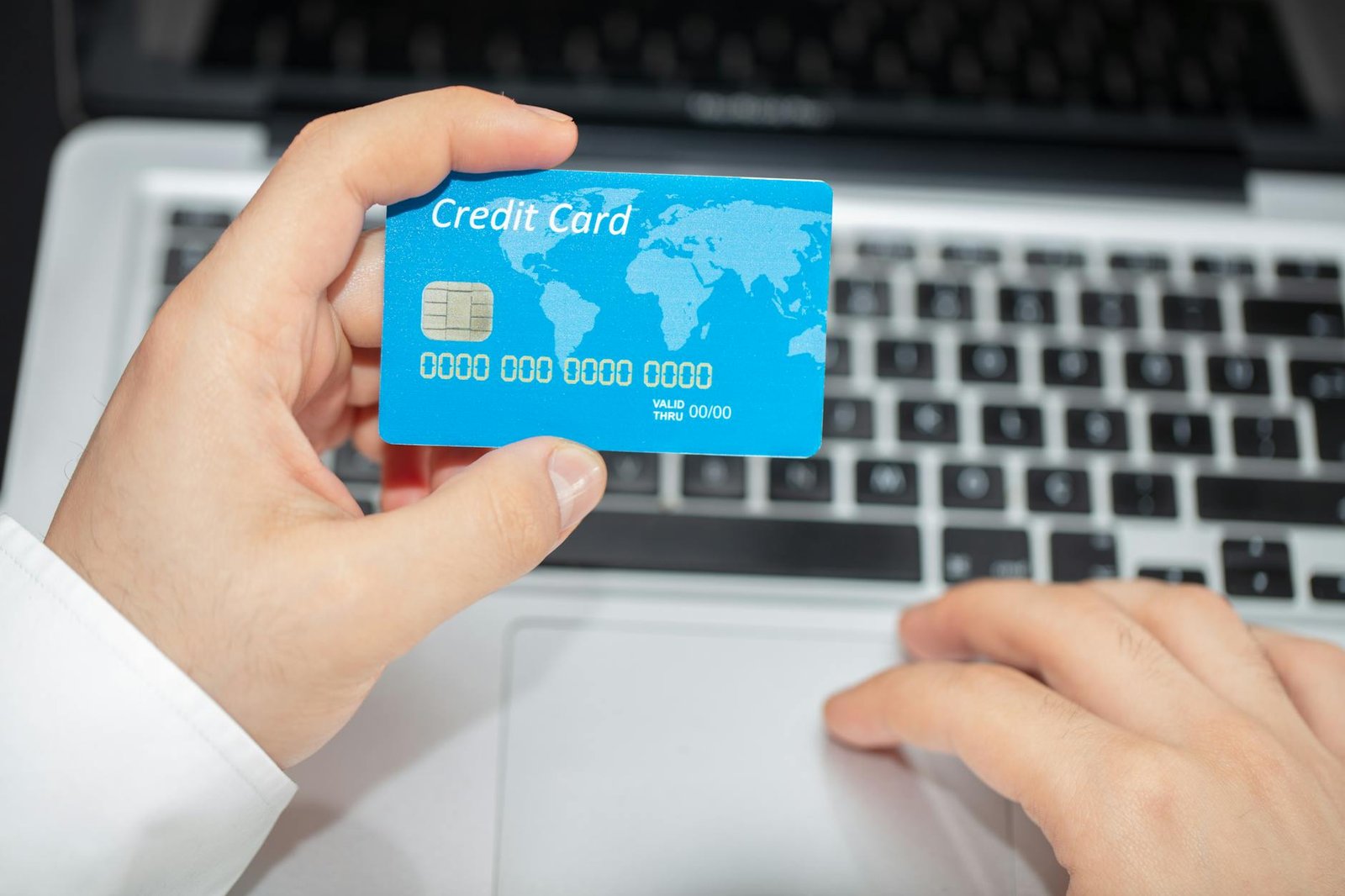
When evaluating how to pay for an IPTV subscription with maximum protection, credit card is the clear winner. Visa, Mastercard, and American Express all offer chargeback rights on digital service purchases, with dispute windows of 60–120 days depending on the card issuer.
The relevant dispute category for IPTV is “services not rendered” or “merchandise not received” — both apply when a provider disappears or delivers a service materially different from what was advertised. Card networks have become increasingly accommodating of these disputes for digital services. IPTV chargebacks filed within the dispute window are honored at high rates when the provider can’t be contacted to refute the claim.
A practical enhancement: use a virtual credit card number for IPTV purchases. Most major US banks (Capital One, Citi, Bank of America, Chase) offer virtual card numbers through their apps or browser extensions. A virtual card generates a unique card number tied to your real account but separate from your physical card. Benefits: the IPTV provider never sees your actual card number; if you want to stop future charges, you simply cancel the virtual number without affecting your real account; unauthorized future charges from a provider you’ve left can’t reach your main card.
For annual subscriptions particularly, credit card is the right choice. The longer your subscription term, the longer you need the protection window to remain relevant — and the higher the dollar amount worth protecting.
PayPal for IPTV: Protection Rules and Limits #
PayPal is the second-best answer to how to pay for an IPTV subscription, with one significant advantage over credit cards: its Buyer Protection window extends to 180 days, compared to the 60–120 day window most credit card issuers offer. For a 6-month IPTV subscription, PayPal’s protection window covers the entire term.
PayPal’s “Item Not Received” protection applies to digital services, covering “service not delivered” scenarios. If a provider goes offline and stops delivering the subscribed service, a PayPal dispute filed within 180 days is typically resolved in the buyer’s favor when the seller doesn’t respond — which is the case for providers that have shut down.
The significant caveat: PayPal actively monitors transactions and has a history of freezing or banning accounts associated with IPTV activity. This doesn’t happen to every buyer — PayPal’s enforcement is inconsistent — but it’s a documented risk. The mitigation is straightforward: maintain a dedicated PayPal account for IPTV and digital subscriptions separate from your primary PayPal account. If the IPTV account gets flagged, your primary PayPal account remains unaffected.
PayPal subscriptions (recurring billing arrangements) can be canceled directly from your PayPal account under Settings > Payments > Manage Automatic Payments, without contacting the IPTV provider. This is a meaningful convenience when you want to stop auto-renewal.
Cryptocurrency Payments for IPTV: When and Why #
Cryptocurrency is increasingly common as an accepted payment when you explore how to pay for an IPTV subscription — Bitcoin, Ethereum, USDT, and Litecoin appear at checkout on many IPTV provider sites. Understanding when crypto is an acceptable choice (and when it’s a warning sign) matters.
Crypto payments have genuine advantages in the IPTV context. Transactions settle faster than PayPal (which can hold funds). The provider doesn’t depend on Stripe or PayPal remaining operational — payment processor bans don’t affect crypto acceptance. For buyers in countries with limited card payment access, crypto is sometimes the only practical option.
The absolute disadvantage: cryptocurrency transactions are irreversible. There is no dispute process, no chargeback, no recourse of any kind if a provider takes your payment and delivers nothing. The blockchain records the transaction as complete — that’s final.
Two criteria must both be met before paying with crypto for an IPTV subscription: (1) the provider has a documented operating history of multiple years — not months — with verifiable community presence on Reddit and Discord; (2) you are only paying for a monthly subscription, not an annual one. A $12 monthly payment you can’t recover if something goes wrong is manageable. A $120 annual payment with no recourse is a meaningful financial risk.
Never pay for a lifetime subscription with cryptocurrency. Never pay for an annual subscription with cryptocurrency from a provider you haven’t independently verified through community channels with dated post histories.
Which IPTV Providers Accept Which Payment Methods #
The payment methods a provider accepts function as a risk classification system when you’re figuring out how to pay for an IPTV subscription from an unfamiliar service. This pattern holds reliably in 2026.
Fully licensed services — YouTube TV, FuboTV, Hulu Live TV, Sling TV — accept all major credit cards and PayPal without restrictions. There’s no ambiguity about their payment processing because they operate entirely within mainstream commerce.
Established gray-market resellers typically accept credit cards via Stripe checkout, PayPal, and cryptocurrency. The presence of Stripe (look for the Stripe logo or “Powered by Stripe” at checkout) indicates the provider has passed Stripe’s merchant onboarding review and hasn’t yet been flagged. Credit card via Stripe is the strongest signal that a gray-market provider has achieved some operational stability.
Providers that accept PayPal and crypto but no credit cards indicate they’ve lost Stripe access — a common outcome when Stripe receives enough chargebacks or identifies IPTV activity during account review.
Providers that accept only cryptocurrency — no credit cards, no PayPal — have been banned from all mainstream payment processors. This is a hard signal of elevated operational risk. The payment method restriction correlates with providers that have higher chargeback rates, shorter operating histories, or recurring delivery problems. Treat crypto-only payment as a disqualifying criterion unless you have strong independent verification of that specific provider’s reliability.
Protecting Yourself After Payment #
Choosing the right method of how to pay for an IPTV subscription is step one. Post-payment documentation is step two, and it costs almost no time.
Immediately after completing a purchase, take three actions: screenshot the checkout confirmation page showing the payment amount, service term, and provider name; save the confirmation email to a dedicated folder; note the service start and end dates in a calendar. These records are what you need to file a PayPal dispute or credit card chargeback — the chargeback form asks for the transaction date, amount, and merchant name, all of which are on the confirmation page.
Set a calendar reminder 7 days before your subscription renewal date. That reminder is your opportunity to evaluate whether the service still merits continued payment. Channels that worked in month one may have degraded by month six. If quality has declined materially, cancel before the auto-renewal date rather than paying for another term and then disputing it.
For PayPal recurring subscriptions, you can cancel renewal from within your PayPal account without contacting the provider. For Stripe card subscriptions, cancellation typically requires logging into the provider’s subscriber portal. Document the cancellation confirmation the same way you documented the original purchase — a screenshot of the cancellation confirmation email is evidence that you terminated service before the next billing cycle if any dispute arises later.
Related Guides #
Continue your research with these in-depth guides:
- How To Buy Iptv Safely
- Iptv Scams Red Flags
- Is IPTV Safe to Use in 2026? Security, Privacy & Malware Guide
- Iptv Subscription Guide Usa
- Best Iptv Providers In 2026 In Depth Reviews Ratings Quality Rankings
Frequently Asked Questions #
Can I pay for an IPTV subscription with PayPal? #
Yes, many IPTV providers accept PayPal. It’s a good choice because PayPal’s Buyer Protection covers ‘item not received’ for up to 180 days — much longer than credit card chargebacks. To be safe, use a dedicated PayPal account rather than your primary one, as PayPal has been known to flag accounts associated with IPTV transactions.
Why do some IPTV providers only accept cryptocurrency? #
Providers who only accept crypto have typically been banned from Stripe and PayPal for ToS violations. Crypto payments are irreversible and anonymous, which protects the operator. For the buyer, crypto-only is a serious red flag — if the service fails, you have no recourse. Avoid crypto-only providers unless they have an extensive public track record.
Is it safe to use a credit card for IPTV? #
Yes, and credit card is the safest IPTV payment option. Visa and Mastercard offer chargebacks for 60–120 days on digital services. If the provider disappears or the service was misrepresented, file a ‘services not rendered’ chargeback. Using a virtual card number (offered free by most banks) prevents the provider from storing your card for unauthorized future charges.
Can I get a refund if my IPTV service stops working? #
Depends on the provider’s policy and your payment method. Legitimate providers offer 7–14 day money-back guarantees. If the service shuts down entirely: credit card chargeback within 60–120 days, PayPal dispute within 180 days. Crypto payments have zero refund pathway — final and irreversible.
What is the safest way to pay for IPTV in 2026? #
Credit card via Stripe checkout (look for the Stripe logo on checkout) is the safest. You get chargeback protection, fraud monitoring, and the ability to dispute charges within 60–120 days. As a secondary option, PayPal offers 180-day protection. Both are vastly safer than crypto for an IPTV purchase.
Ce guide vous a-t-il aidé ?