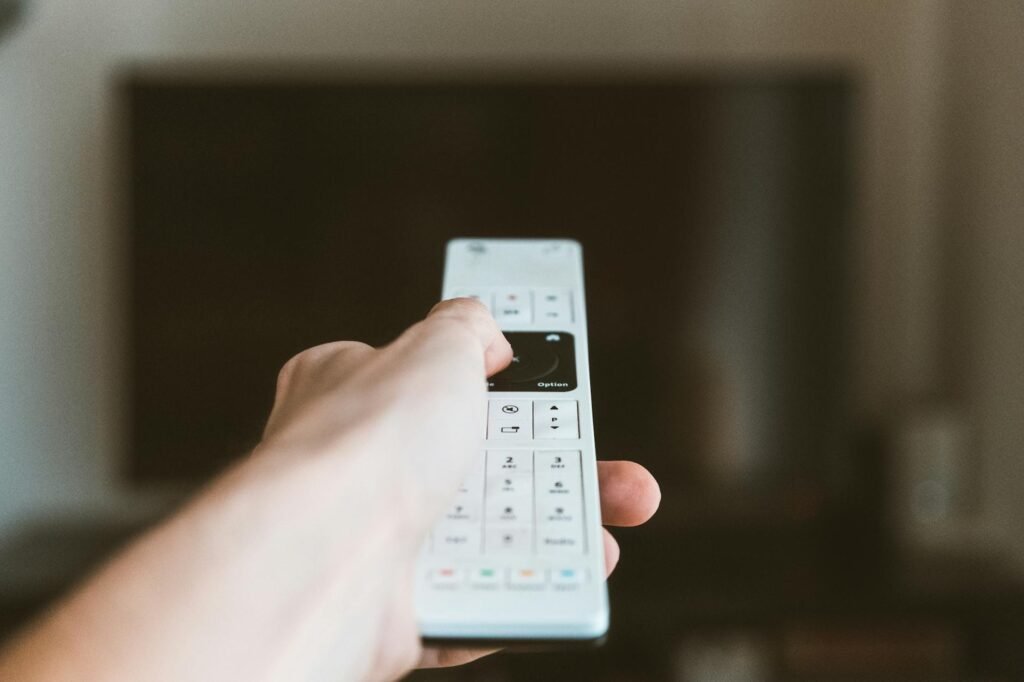
- Live TV — Real-time broadcast of channels: news, entertainment, sport events, and international networks. Functionally identical to traditional TV, but delivered over your broadband line instead of a dish or aerial.
- Video on Demand (VOD) — A library of films, documentaries, box sets, and series available to start at any time. You control playback: pause, rewind, fast-forward, or revisit a title days later.
- Catch-up / Time-shift TV — A rolling archive of past broadcasts, typically covering the last two to seven days. Missed last night’s match or a weekly drama? Catch-up lets you watch on your own schedule.
What Does IPTV Stand For? #
IPTV stands for Internet Protocol Television. Instead of receiving TV signals through a rooftop aerial, satellite dish, or coaxial cable running into your home, IPTV delivers television content over the same internet connection you already use to browse the web, stream music, and make video calls. The name comes directly from the underlying technology: your shows, films, and live channels are packaged as data packets and transmitted using the Internet Protocol — the same standard that powers every website you visit.
Compare IPTV Subscription Plans
Switch duration to see total price — buy buttons go directly to checkout
- 20,000+ channels worldwide
- 4K & FHD streams
- 5 simultaneous screens
- EPG + VOD included
- All major sports channels
- HD & FHD live streams
- 3 simultaneous screens
- PPV events included
- 10,000+ family channels
- HD quality streams
- 2 simultaneous screens
- Kids & entertainment packs
The concept is straightforward. Traditional broadcasting pushes the same signal to every household simultaneously, whether you are watching or not. IPTV flips that model: content travels from a remote server directly to your screen, on demand, the moment you press play. That single shift changes nearly everything about what TV can offer and how you experience it.
🏆 Our Top 3 Recommended IPTV Services
- StreamVault — Premium global IPTV, 20,000+ channels, 4K Ultra HD. From $29.99/mo
- ApexFlow — Best for sports fans, all major leagues & PPV. From $24.99/mo
- BeamTV — Family-friendly & affordable, kids-safe content. From $7.99/mo
All three support 1, 3, 6 and 12-month plans — secure PayPal checkout.
How Does IPTV Work? #
When you request a channel or a film through an IPTV platform, the content leaves a dedicated media server and travels across the internet as a continuous stream of small data packets. Your device — a smart TV, streaming stick, phone, or tablet — receives those packets, reassembles them in the correct order, and displays the video in real time. The whole process typically takes between one and three seconds, which is why starting a stream feels almost instant.
Most modern IPTV platforms rely on two widely adopted streaming formats: HLS (HTTP Live Streaming) and MPEG-DASH. Both formats work by dividing video into short segments — usually two to ten seconds long — and sending those segments one after another. Your device buffers a handful of segments slightly ahead of what you are currently watching, smoothing over any brief network hiccups. A consistent internet connection matters more than raw speed: an unstable 50 Mbps line can buffer more than a rock-solid 25 Mbps one.
Content delivery networks (CDNs) sit between the origin server and your home, caching popular content at data centres close to your location. This dramatically reduces the distance packets need to travel and cuts the chance of buffering spikes. Professional IPTV platforms invest heavily in CDN infrastructure — it is one of the core reasons a quality platform streams reliably while informal or overloaded alternatives can stutter.
Three Core Types of IPTV Content #
IPTV is not a single thing — it covers three distinct modes of watching, and most platforms combine all three in one interface:
- Live TV — Real-time broadcast of channels: news, entertainment, sport events, and international networks. Functionally identical to traditional TV, but delivered over your broadband line instead of a dish or aerial.
- Video on Demand (VOD) — A library of films, documentaries, box sets, and series available to start at any time. You control playback: pause, rewind, fast-forward, or revisit a title days later.
- Catch-up / Time-shift TV — A rolling archive of past broadcasts, typically covering the last two to seven days. Missed last night’s match or a weekly drama? Catch-up lets you watch on your own schedule.
Having all three modes in a single, searchable interface is one of the strongest arguments for IPTV over traditional broadcasting. You are no longer tied to a schedule, a fixed channel count, or a single screen in your living room.
What Can You Watch with IPTV? #
The content catalogue available through a well-configured IPTV setup has expanded considerably in recent years. Depending on the platform you choose, you can access:
- Hundreds or thousands of live channels from across the world, including local and international news
- Live sport: football, boxing, Formula 1, tennis, cricket, NBA, rugby, and more
- Films from major studios, often available shortly after their digital release
- TV series, documentaries, reality shows, and children’s programming
- An Electronic Programme Guide (EPG) that displays what is on now, what is coming next, and what aired previously
The EPG deserves special mention. It functions like the on-screen TV guide you may know from satellite or cable — showing channel thumbnails, programme titles, descriptions, and start times. A good EPG transforms a raw list of streams into a proper television experience.
IPTV vs. Traditional TV: A Direct Comparison #
The simplest way to understand IPTV is to place it alongside what came before:
- Cable TV pushes a fixed bundle of channels through a physical cable to your home. You pay for pre-packaged tiers and have limited flexibility over the content included.
- Satellite TV broadcasts signals from geostationary satellites via a dish mounted on your roof. Coverage is wide but installation involves hardware, and severe weather can interrupt the signal.
- IPTV uses your existing broadband connection — no new infrastructure at your property, no dish, no aerial. Any screen that connects to the internet can become a TV.
The main trade-off is internet dependency. Traditional TV continues working even when your broadband goes down. IPTV does not. That said, as reliable high-speed broadband reaches more households, the practical impact of that trade-off continues to shrink.
Which Devices Can Run IPTV? #
Device flexibility is one of IPTV’s most compelling advantages over older distribution methods. You can watch on almost any screen you already own:
- Smart TVs — Samsung, LG, Sony, Hisense, and most other modern sets have built-in app stores where you can install IPTV applications directly, no extra hardware required.
- Streaming sticks — Amazon Firestick and Google Chromecast with Google TV are among the most popular IPTV-friendly devices, combining portability with a remote-controlled interface.
- Android TV boxes — Dedicated boxes running Android TV offer more processing power and internal storage than sticks, useful for platforms with large VOD libraries.
- Mobile and tablet — iOS and Android apps make it easy to watch on the go, over Wi-Fi or mobile data.
- Desktop and laptop — Most IPTV platforms offer browser-based players or desktop apps for Windows and macOS.
Popular IPTV Players and Apps #
Regardless of which platform you choose, you typically watch through a dedicated app. Some platforms come with their own branded application; others deliver content via a standard M3U playlist URL that you load into a third-party player. Widely used players include:
- TiviMate — Widely considered the best Android TV player, with a polished EPG, multi-stream support, and catch-up integration.
- IPTV Smarters Pro — Available across Android, iOS, and Smart TV, offering a clean layout and Xtream Codes support.
- GSE Smart IPTV — A flexible player popular on iOS and Android that handles both M3U and Xtream Codes playlists.
Each player reads your channel list and EPG data from the platform and presents them inside its own interface. The underlying IPTV stream is the same; the player simply determines how it looks and what features are available.
Is IPTV Legal? #
IPTV as a technology is entirely legal, used by major broadcasters and telecoms companies worldwide. Sky, Virgin Media, and BT all deliver content using IPTV infrastructure. Technically, Netflix and Disney+ are also IPTV platforms — they stream licensed video over the internet using the same core protocols.
The legal grey area arises with unauthorised platforms — those that retransmit broadcast content without holding the rights to do so. These are sometimes advertised as all-inclusive packages at very low prices. Accessing content through an unlicensed platform may constitute copyright infringement under the laws of your country. If you are uncertain, choose a platform that can clearly demonstrate its licensing arrangements.
What Do You Need to Get Started? #
Setting up IPTV is straightforward. You need three things:
- A reliable broadband connection — Aim for at least 25 Mbps download speed for HD streams. For 4K content, 50 Mbps or more is preferable. A wired ethernet connection to your TV or box reduces buffering compared to Wi-Fi if your router is in another room.
- A compatible device — Smart TV, Firestick, Android box, phone, tablet, or computer. Virtually any device sold in the past five years will work.
- A platform or M3U playlist — Choose a licensed broadcaster or a vetted streaming platform. Load their dedicated app or M3U URL into your chosen player, and you are ready to watch.
Frequently Asked Questions About IPTV #
How much does IPTV cost? #
Prices range widely. Free, ad-supported options exist for basic channel packages. More complete platforms — with extensive sports coverage, large VOD catalogues, and 4K streams — typically cost between £5 and £30 per month, depending on the breadth of content and stream quality offered.
Is IPTV legal in the UK? #
Using a licensed IPTV platform — one that holds the appropriate rights to the content it transmits — is fully legal. Accessing content through an unlicensed third party that rebroadcasts copyright material without permission is not. Always verify that the platform you choose operates within the law.
What internet speed do I need for IPTV? #
A minimum of 10 Mbps is usually sufficient for standard-definition streams. HD content benefits from 25 Mbps or more. 4K streams typically require at least 50 Mbps. Equally important is connection stability — a consistent 20 Mbps line outperforms a fluctuating 100 Mbps connection for uninterrupted viewing.
What is the best device for watching IPTV? #
Amazon Firestick and Android TV boxes are widely regarded as the most practical IPTV devices because they support the broadest range of IPTV applications and deliver a simple, remote-controlled interface on your existing television. A compatible smart TV is equally capable if it runs a modern app store with access to your chosen player.
🔗 Explore OTT TV Services & Streaming Hubs #
Access verified server portals, device configuration tutorials, and high-bitrate subscriptions:
Ce guide vous a-t-il aidé ?